Back to Journal

Core Web Vitals in 2026: The Three Numbers That Decide Whether a Client Buys From You
Core Web Vitals in 2026: The Three Numbers That Decide Whether a Client Buys From You
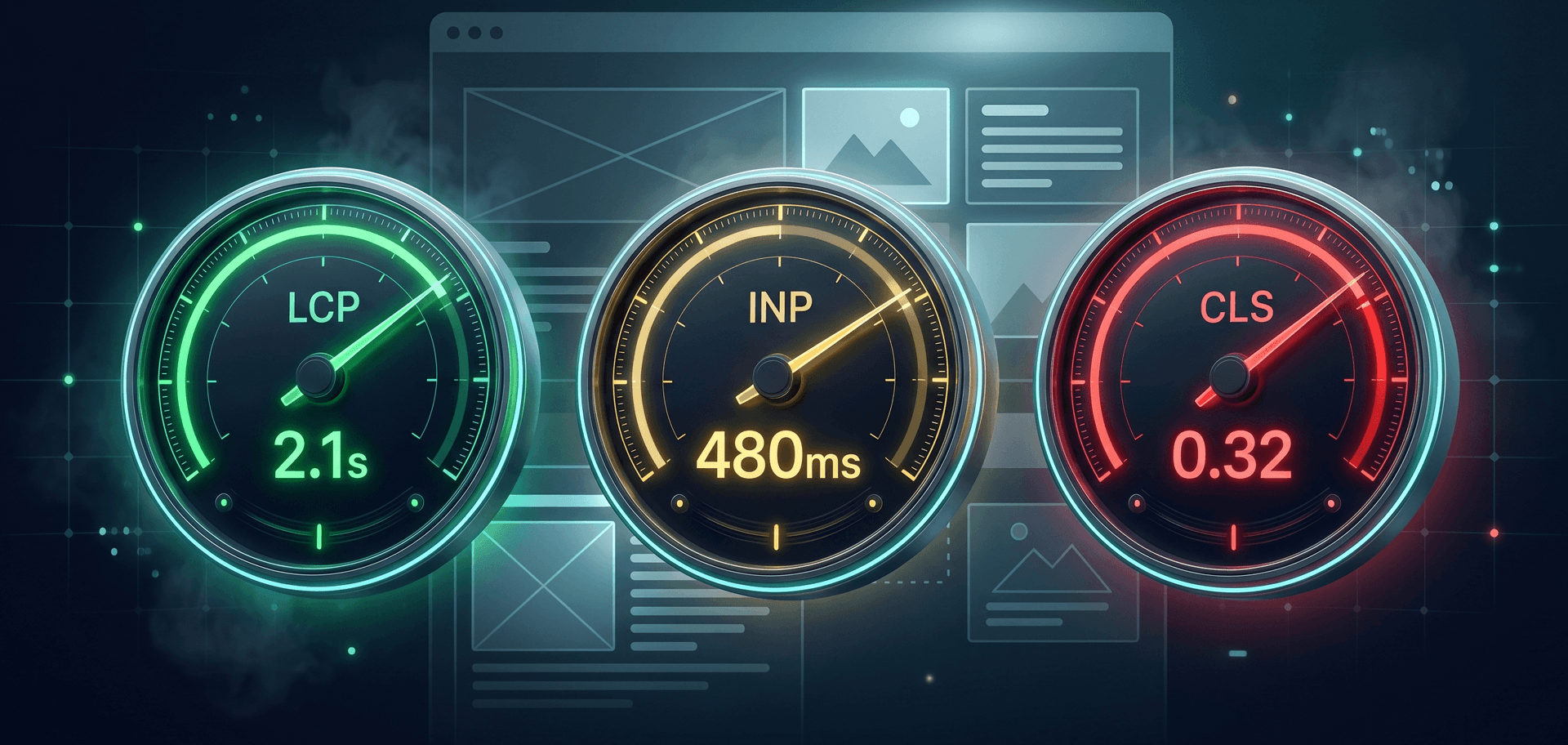
Your website can be beautiful, with the right copy and honest pricing. But if it's slow — the client leaves before they ever read it. Not "might leave," but leaves with 53% probability (Google data) — that's how many users close the tab when a page takes more than 3 seconds to load. Google knows this better than anyone. That's why it introduced Core Web Vitals back in 2020 — three technical metrics that now influence where your site ranks. In 2024, one of them was replaced. By 2026, this is basic hygiene — talking about SEO without it is no longer serious. Let's break down these three numbers in plain English. LCP — Largest Contentful Paint (how fast the main content appears) The time it takes for the largest visible element on the page to render: usually a hero banner, headline, or product photo. Not "the site started loading," but "the user saw the main thing."
  • ✅ Good: under 2.5 seconds
  • ⚠️ Needs improvement: 2.5–4 seconds
  • ❌ Poor: over 4 seconds
What kills LCP: heavy uncompressed images, slow hosting, missing CDN, render-blocking JavaScript. INP — Interaction to Next Paint (how fast the site responds to actions) The new metric — Google introduced it in March 2024 to replace the older FID. It measures the time between when a user clicks a button (or interacts in any way) and the moment the interface actually responds.
  • ✅ Good: under 200 ms
  • ⚠️ Needs improvement: 200–500 ms
  • ❌ Poor: over 500 ms
What kills INP: heavy JavaScript blocking the main thread, third-party scripts (chats, analytics, ads), endless React re-renders. Why INP is critical right now: most sites built in 2020–2023 were optimized for the old FID — which gave nearly everyone a "green zone." INP is stricter. Half of those "green" 2023-era sites are in the red zone in 2026. And don't know it. CLS — Cumulative Layout Shift (how much the layout jumps) How many times elements on the page move on their own during loading. The classic example: you're reading text, then an ad loads at the top — the text jumps, and you accidentally tap the banner instead of the button you wanted. Infuriating.
  • ✅ Good: under 0.1
  • ⚠️ Needs improvement: 0.1–0.25
  • ❌ Poor: over 0.25
What kills CLS: images without width/height attributes, fonts that load late and resize text, ad banners appearing after everything else. What happens if your metrics are "red" Three things — all painful:
  1. Drop in Google rankings. Sites in the red zone lose 5–15% of organic traffic. On commercial queries, that's hundreds of dollars a month.
  2. Drop in conversion. Each additional second of LCP cuts conversion by roughly 7% (Akamai data). 4 seconds instead of 2 = minus 14% in sales.
  3. Loss of AI visibility. A new 2026 nuance: AI crawlers (ChatGPT, Perplexity, Gemini) have shorter timeouts than Google. If your site doesn't load within 3 seconds — AI simply doesn't index its content.
How to check your site in 60 seconds Free, no signup:
  1. PageSpeed Insights — pagespeed.web.dev — Google's official tool, gives all three metrics
  2. AI X-Ray — timekairos.com.ua/ai-xray — our free tool that, on top of CWV, checks ~100 more items (Schema.org, llms.txt, accessibility, security, mobile adaptation). One URL — full report in 60 seconds.

Both will show the same CWV numbers, but AI X-Ray gives the wider picture — because the problem is often not just speed, but five other things at once. What to do if everything is "red" Honest answer: on builders (Tilda, Wix, Squarespace) you can't properly fix CWV — they ship excess infrastructure that wrecks INP almost always. You can squeeze a "yellow zone." Green — rarely. On WordPress it's possible, but you need: the right theme, configured cache, image optimization, minimized plugins, decent hosting. Realistic cost from a freelancer — $300+, from a studio — $600+. And it's not "one-and-done" — WP plugins update and break optimizations. On custom-built sites (like TimeKairos) CWV are baked into the foundation and simply don't degrade — because there are no extra layers that could degrade them. Bottom line Core Web Vitals isn't a fad. It's about whether your site will still work a year from now. Three numbers you can measure for free, right now. If even one is red — you're already losing traffic and clients. You just don't know it yet. Check yours: timekairos.com.ua/ai-xray. No signup, no payment, with a sample report you can see before you start.

Read next

How to Choose a Web Developer: 15 Questions to Ask

How to Choose a Web Developer: 15 Questions to Ask

Website Redesign or Migration: What Should You Choose?

Website Redesign or Migration: What Should You Choose?

How Much Does a Website Cost in 2026? Pricing Guide

How Much Does a Website Cost in 2026? Pricing Guide

Liked the article? See how we apply this in practice across real client case studies.
View cases →