Manage Your Website via Telegram | TimeKairos
Changing a price, replacing an image, adding a new team member or publishing an article should be a small task. Yet on many websites, even a simple update means finding the admin URL, recovering a password, opening a laptop or waiting for a developer.
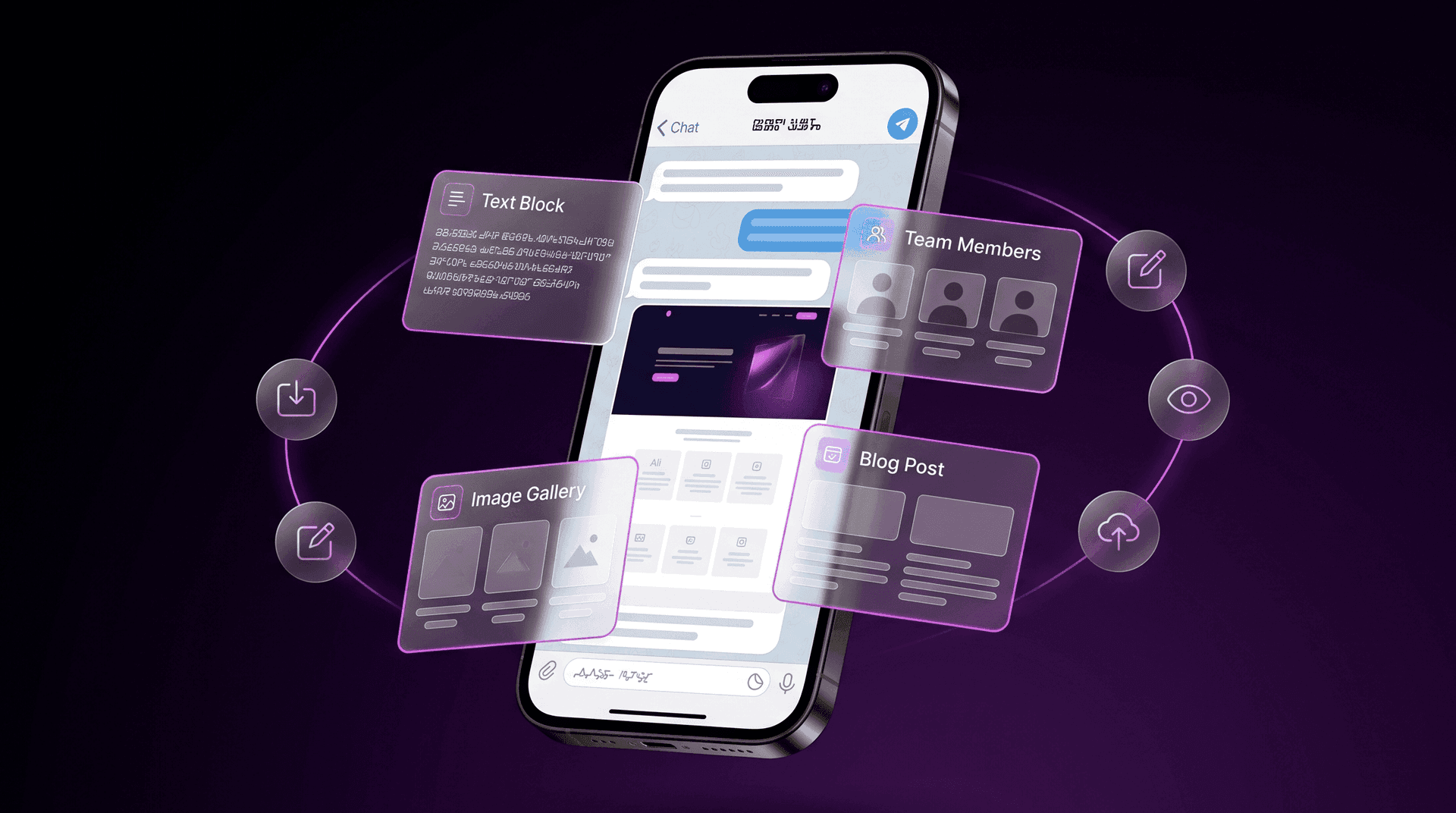
TimeKairos has created a different approach: a visual website control panel that opens directly in Telegram. It lets business owners update approved parts of their website without a complicated CMS, a separate account or a monthly subscription.
What is a Telegram website control panel?
It is not a page builder and it is not a universal admin dashboard with dozens of sections. The control panel is connected to an existing website and includes only the tools the owner actually needs. Inside Telegram, the user can open a page, choose an editable block, make a change, preview the result and publish the update. The interface avoids technical settings, so the core workflow can usually be learned in 5–10 minutes.What can be edited through the panel?
The exact options depend on the structure of each website. During setup, we define which elements the client can update safely without touching the code.- edit text, titles, prices and descriptions;
- replace images and photographs;
- add, duplicate or remove predefined cards;
- update team members, services, projects, cases or testimonials;
- create and publish blog posts;
- preview changes before publication;
- restore the latest working version.
How the editing process works
- Open. Launch the panel in Telegram and choose the required page and block.
- Edit. Update the text, image, card or another available element.
- Preview. Check how the change will look on the website before it goes live.
- Publish. Confirm the update and the new version appears on the website.
No extra logins, passwords or dashboards
Access is linked to an authorised Telegram account. The client does not need to remember another username, store an admin password or search for the correct control-panel address. Only an approved Telegram account can open the management interface. The public website remains available to visitors as usual; Telegram provides access to editing, not to the visitor-facing website itself.The panel does not slow the website down
One of the main product requirements is to preserve the speed and clean structure of the website. The panel does not turn the project into a heavy CMS and does not add large management libraries to every public page. The website remains just as fast with the panel connected as it is without it. The control panel is an independent part of the system and is used only when the owner needs to make an update.Images are optimised automatically
Oversized images are a common reason for slow page loading. Users should not have to calculate dimensions, open image-editing software and compress every file manually. Images uploaded through the panel are automatically prepared for website use. This makes publishing easier and helps maintain fast page performance.If the panel is unavailable, the website stays online
The control panel and the public website do not depend on each other during normal operation. If Telegram, the hosting environment or the management interface is temporarily unavailable, the website does not disappear or stop serving visitors. Pages continue to load, forms continue to work and users can still access the information they need. Only new edits through Telegram are temporarily unavailable.You cannot accidentally delete or break the entire website
The owner can use only the actions that were deliberately enabled during setup. The panel does not provide direct access to system files, source code or critical server settings. This limitation is intentional. The panel is not trying to replace a full website builder. Its purpose is to provide exactly the tools required for routine updates while keeping the interface simple and reducing the risk of accidental damage.No monthly subscription
The control panel is installed on the client’s hosting and remains part of their project after setup. TimeKairos does not rent access to the interface or charge a recurring fee simply for the ability to edit the website. We also do not create a separate cloud account for the client’s website content. Operational data remains within the client’s own infrastructure.What to know about long-term operation
Telegram, hosting providers and server technologies are external services. Their rules and technical requirements may change over time. A one-time setup therefore cannot mean a lifetime guarantee of compatibility with every future change introduced by a third-party platform. If the panel requires adaptation, the client can contact TimeKairos. We will investigate the issue, assess the required work and propose a solution. The public website will continue to operate independently of the panel.Who is the TimeKairos panel for?
The panel is especially useful for businesses that need regular, focused updates:- changing services, prices and descriptions;
- adding team members, projects, testimonials or cases;
- replacing images;
- maintaining a small company blog;
- keeping the website accurate without ongoing developer support.