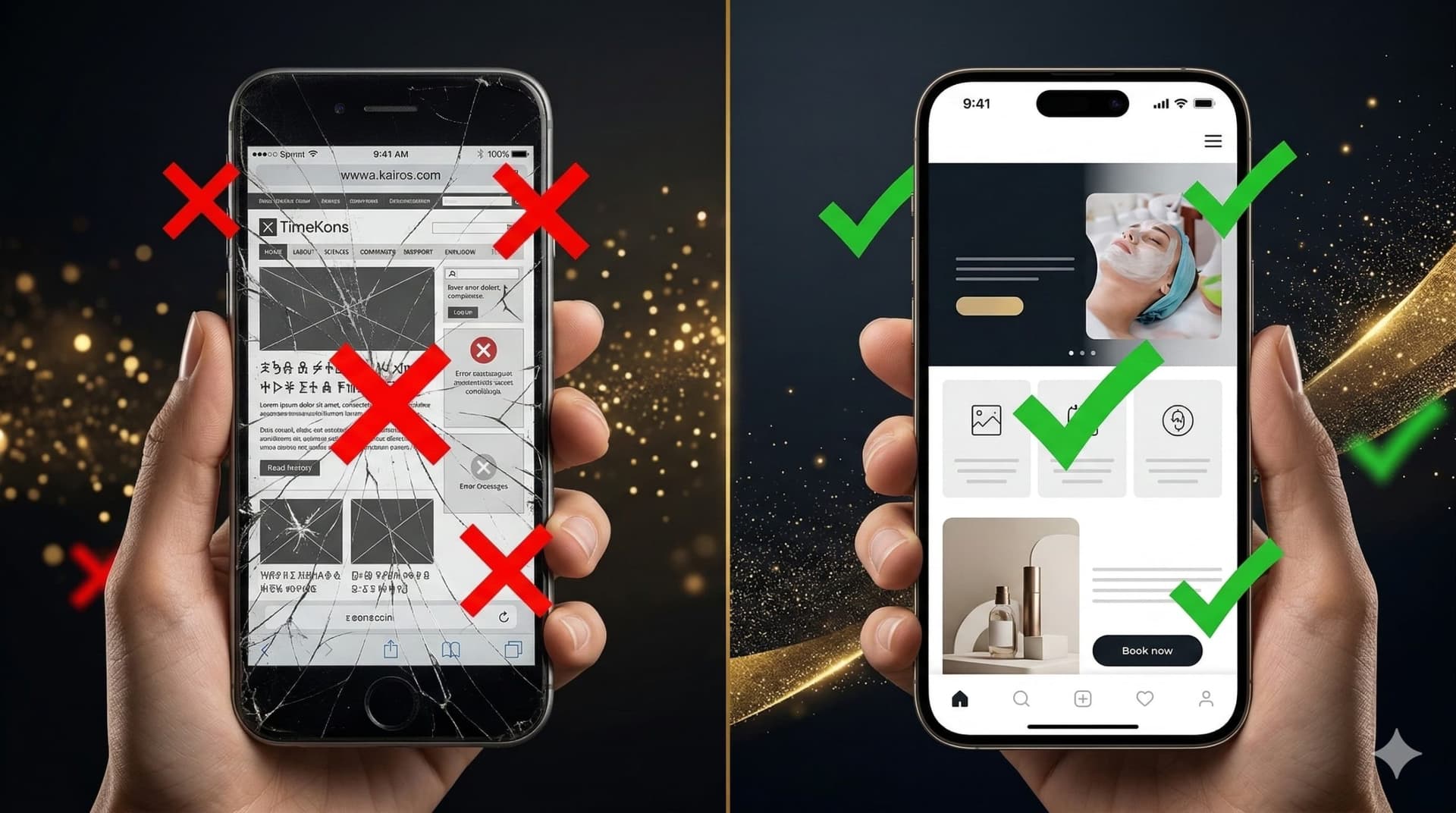
Website Redesign or Migration: What Should You Choose?

An outdated website is a symptom, not a diagnosis. One project may only need a visual refresh and a better mobile experience. Another may require a complete redesign. A third may need to move away from a website builder or overloaded theme to a technical foundation the business can control.
Choosing the wrong route can be expensive. A cosmetic update may only hide slow code and accumulated technical debt. A full migration, on the other hand, can unnecessarily increase the budget, timeline, and SEO risk when the existing platform is still reliable.
The most useful question is therefore not “Do we need a new design?” but:
What should be preserved, what should be improved, and what is already preventing the website from supporting business growth?This guide explains three possible routes—visual refresh, full redesign, and migration—and compares them through two real TimeKairos projects.
Quick answer: which option should you choose?
Current situation Recommended route The technical foundation is stable, but the website looks outdated Visual refresh The structure, design, and customer journey need to change Full redesign or rebuild A builder, page builder, or legacy theme limits development Migration or technical architecture rebuild The real problem is unclear Technical audit first When the right route is unclear, begin with AI X-Ray. The audit reviews performance, technical SEO, mobile experience, accessibility, security, and implementation quality. It helps the business make a decision based on the actual condition of the website rather than personal impressions of its design.Refresh, redesign, and migration are not the same
Visual refresh
A visual refresh preserves most of the existing structure and code. It updates colors, typography, spacing, buttons, forms, selected sections, and responsive behavior. This route makes sense when the website foundation is still dependable but the presentation no longer reflects the quality of the company.Full redesign
A full redesign goes beyond a new color palette. It may involve rethinking page structure, navigation, positioning, content hierarchy, mobile journeys, and conversion points. The platform does not necessarily need to change. If it can support the new experience without critical restrictions, preserving it may be the safer and more efficient decision.Migration
Migration changes the technical foundation of the website or the way that foundation is managed. It may involve:- moving from Tilda, Wix, Squarespace, Webflow, or another builder to code owned by the business;
- moving from a legacy CMS to a modern stack;
- replacing an overloaded WordPress theme and page builder with a custom theme;
- moving content, URLs, metadata, and language versions into a new architecture.
When a website refresh is enough
Website rejuvenation is appropriate when most of the technical and content foundation still works correctly. Typical indicators include:- the business owns and can access the code, domain, and hosting;
- the platform does not prevent the required changes;
- the page structure still reflects the company’s services;
- the URLs are logical and have established search history;
- most content remains relevant;
- forms and essential integrations work;
- mobile issues can be corrected without a complete rewrite;
- the code can be maintained without an endless chain of dependencies.
When a full redesign is required
A full redesign is needed when the website no longer reflects either the visual identity or the current business model.- The company has changed its positioning or entered a new market.
- New services, business units, or languages have been added.
- The homepage no longer explains what the company provides.
- Visitors struggle to find pricing, case studies, or contact details.
- The website was originally built for image but must now generate leads.
- The mobile version exists but does not support a practical user journey.
- The old design reduces trust in an otherwise strong product.
When migration becomes necessary
Website migration becomes the logical route when the problem is not limited to colors and page sections but is embedded in the system itself. Warning signs include:- required functionality cannot be implemented properly on the current platform;
- the website depends on a builder or recurring platform subscription;
- the business does not have full access to the source code;
- every update creates new plugin conflicts;
- the page builder generates a heavy DOM, duplicated styles, and unnecessary scripts;
- removed plugins have left shortcodes, database records, and dead settings;
- performance cannot be meaningfully improved without architectural changes;
- developers are afraid to update the system because something may break;
- editing a simple page requires technical assistance;
- the platform no longer matches the scale of the business.
V12 Coffee case study: redesign without changing the platform
The V12 Coffee TO GO website was built on Yii and included a complex multilingual structure. The platform itself was not the main problem. The website needed a more current visual presentation, stronger semantics, a complete technical SEO layer, and a better mobile experience. Moving away from Yii simply for the sake of migration would have added unnecessary work and risk. The team preserved the platform and completed a full redesign of the existing website. The project included:- redesigning 40 pages in two languages;
- preserving the Yii platform;
- rebuilding the semantic page structure;
- adding canonical and hreflang implementation;
- introducing structured data;
- improving accessibility and mobile usability;
- replacing abstract calls to action with specific value-driven actions.
Case study conclusion: when the technical foundation can support the required improvements, migration should not become a goal in itself.View the complete V12 Coffee TO GO case study
Lie Detection Group case study: WordPress remained, the builder did not
The Lie Detection Group project presented a different situation. The website and domain had been active for many years, while WordPress had accumulated plugins, a page builder, outdated shortcodes, unnecessary scripts, and technical dependencies. There was no need to abandon WordPress as a content management system. It remained familiar and practical for the client’s team. The problem was not WordPress itself but the way the website had been assembled on top of it. The selected route included:- a completely new design;
- clean static HTML, CSS, and JavaScript as the initial foundation;
- integration into a custom WordPress theme;
- controlled ACF fields instead of a drag-and-drop builder;
- preservation of 22 pages and preparation for three languages;
- page-by-page comparison of old and new URLs, metadata, and SEO signals;
- a separate staging environment with indexing disabled until launch.
Case study conclusion: a business does not always need to replace its CMS. It may be more effective to preserve the familiar administrative layer while completely rebuilding the frontend foundation.View the Lie Detection Group case study
Similar symptoms, different technical decisions
Factor V12 Coffee Lie Detection Group Original platform Yii WordPress + plugins + page builder Primary problem Outdated presentation and technical gaps Outdated design and accumulated technical debt Solution Complete redesign on Yii Custom WordPress theme with ACF CMS or framework preserved Yes Yes Page builder removed Not applicable Yes Type of work Redesign without platform migration Redesign plus architectural migration Both websites needed a stronger visual experience. However, the technical decision was determined by the condition of the foundation rather than the age of the design.Why you should not order a redesign immediately
Design is the most visible part of a website, so it often receives attention first. However, weak conversion may have other causes:- slow loading;
- mobile usability issues;
- a weak or unclear offer;
- broken forms;
- insufficient trust signals;
- incorrect heading hierarchy;
- canonical, hreflang, or sitemap problems;
- unnecessary scripts and plugins;
- a mismatch between an advertisement and its landing page.
What happens when the wrong route is chosen?
Redesign on top of technical debt
The screens may look modern, but the website will remain slow, dependent on plugins, and difficult to maintain. The business may need to invest again in a technical rebuild only a few months later.Migration without a real need
The business spends more time and budget even though a targeted refresh could have solved the problem. The project also introduces avoidable risks involving URLs, content, integrations, and search signals.A full rebuild without an inventory
Pages receiving organic traffic, established links, metadata, structured data, or relationships between language versions may be lost accidentally.Quick test: what does your website need?
Answer yes or no to the following questions:- Does the website structure reflect the company’s current services?
- Do you have full access to the code, domain, and hosting?
- Can the website be changed without dependence on a builder?
- Does the mobile version work without critical issues?
- Can performance be meaningfully improved within the current system?
- Can content be updated without a risk of breaking the page?
- Is the website free from dozens of plugins with duplicated functions?
- Does the design reflect the positioning and price of the product?
- Does the website maintain stable indexing?
- Can the current platform support the next stage of business growth?
How to protect SEO during redesign or migration
No team can guarantee unchanged Google rankings, but technical risk can be reduced significantly.- Collect a complete inventory of existing URLs.
- Identify pages receiving organic traffic and backlinks.
- Create a mapping between old and new URLs.
- Preserve existing URLs wherever possible.
- Set up 301 redirects for changed addresses.
- Transfer titles, descriptions, canonical tags, and hreflang.
- Restore structured data.
- Prevent the staging environment from being indexed.
- Review robots.txt and sitemap.xml after launch.
- Confirm that no production page retains a noindex directive.
- Connect analytics and Google Search Console.
- Test forms, 404 responses, and redirects.
- Crawl the website again after production deployment.
Which TimeKairos route fits your situation?
The website works but no longer reflects the quality of your business? Explore Rejuvenation: a visual refresh or complete rebuild that preserves the valuable parts of the existing asset. The website depends on Tilda, Wix, Webflow, a page builder, or restrictive architecture? Explore Migration: move content, structure, and SEO signals to a technical foundation the business can control. You are not sure what is preventing the website from performing? Begin with AI X-Ray. When no critical problem exists, an honest diagnosis can prevent unnecessary spending on a rebuild.Conclusion
Not every old website needs to be migrated. Not every WordPress website needs to be replaced. And not every technical problem can be solved with new fonts and animations. The right route begins with an inventory of the digital asset:- what already works;
- what creates value;
- what can be modernized;
- what is no longer worth maintaining.